
A menu and orders for your bistro.
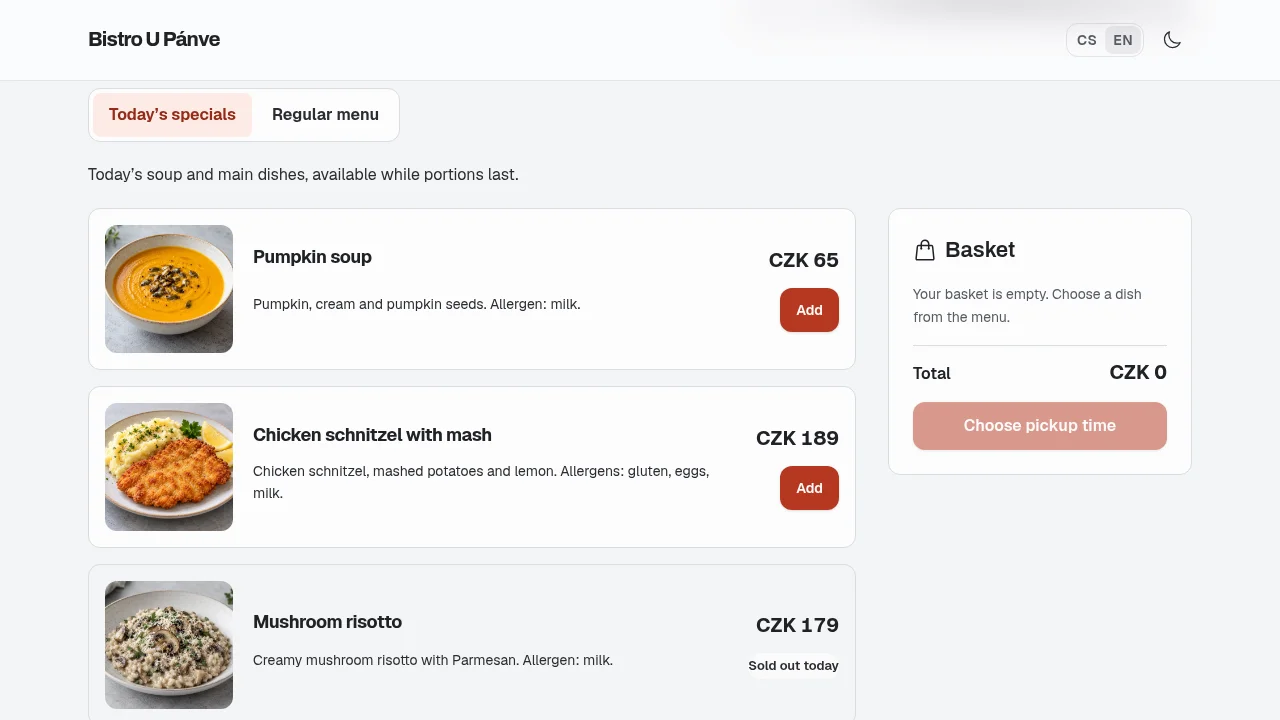
Guests choose a dish and pickup time. Keep track of their orders and your counter sales.
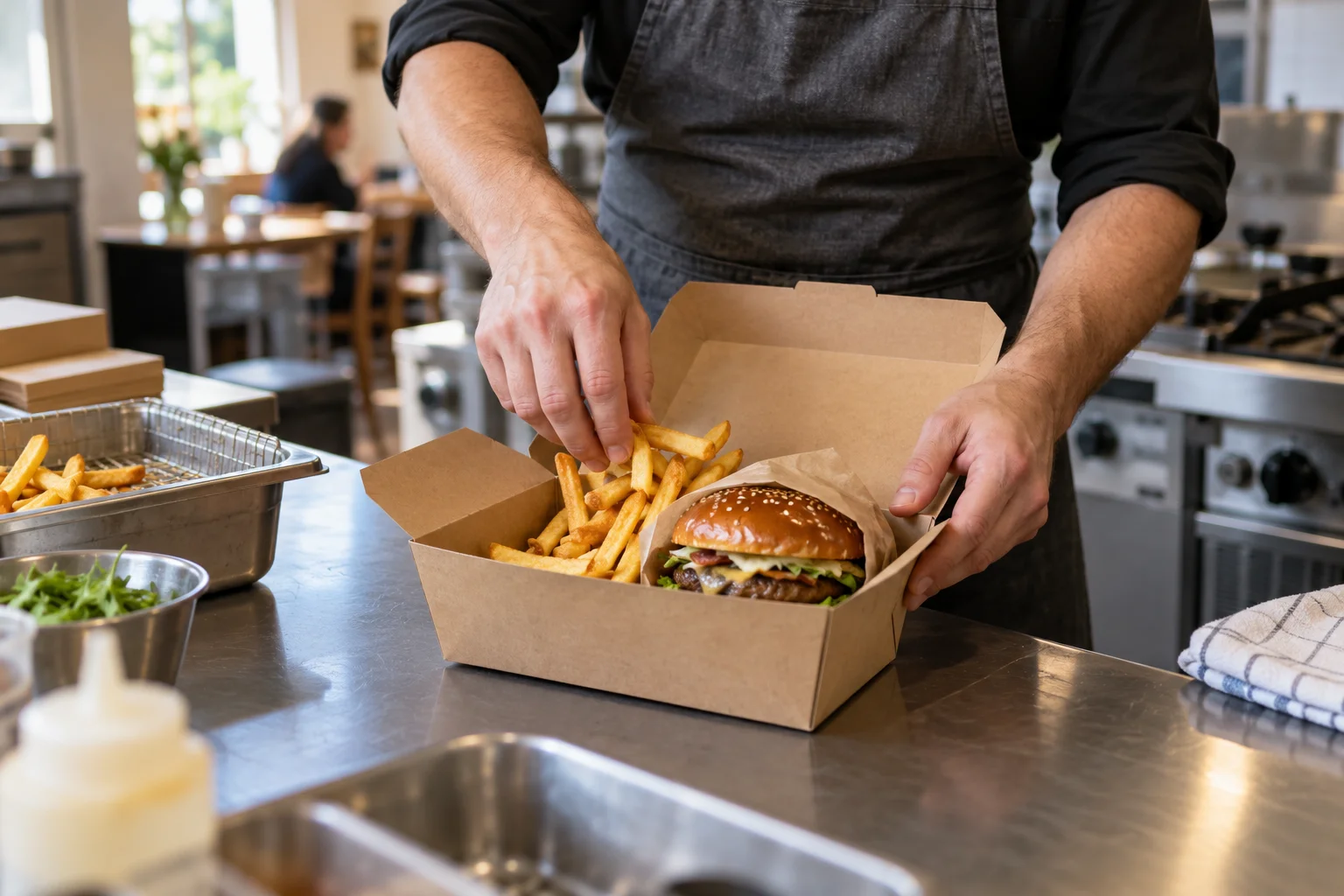
What you can keep track of
- Menu
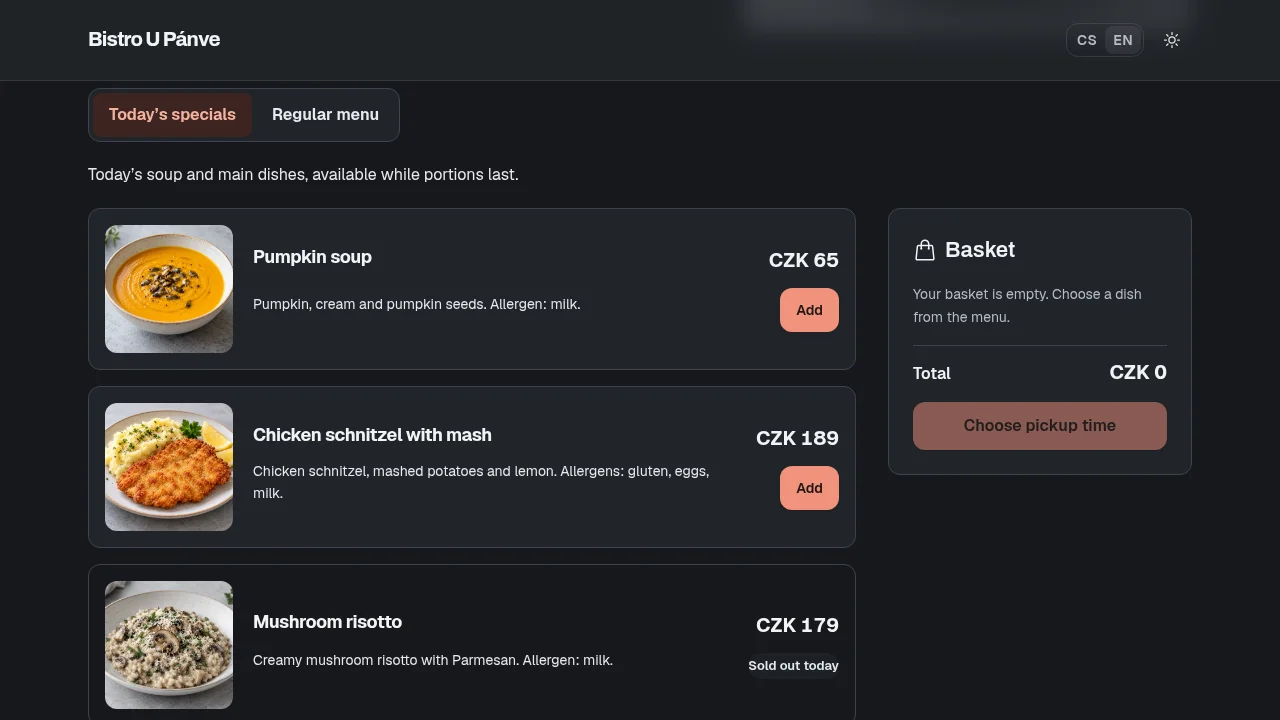
- Daily specials and a regular menu with photos, prices and available portions.
- Orders
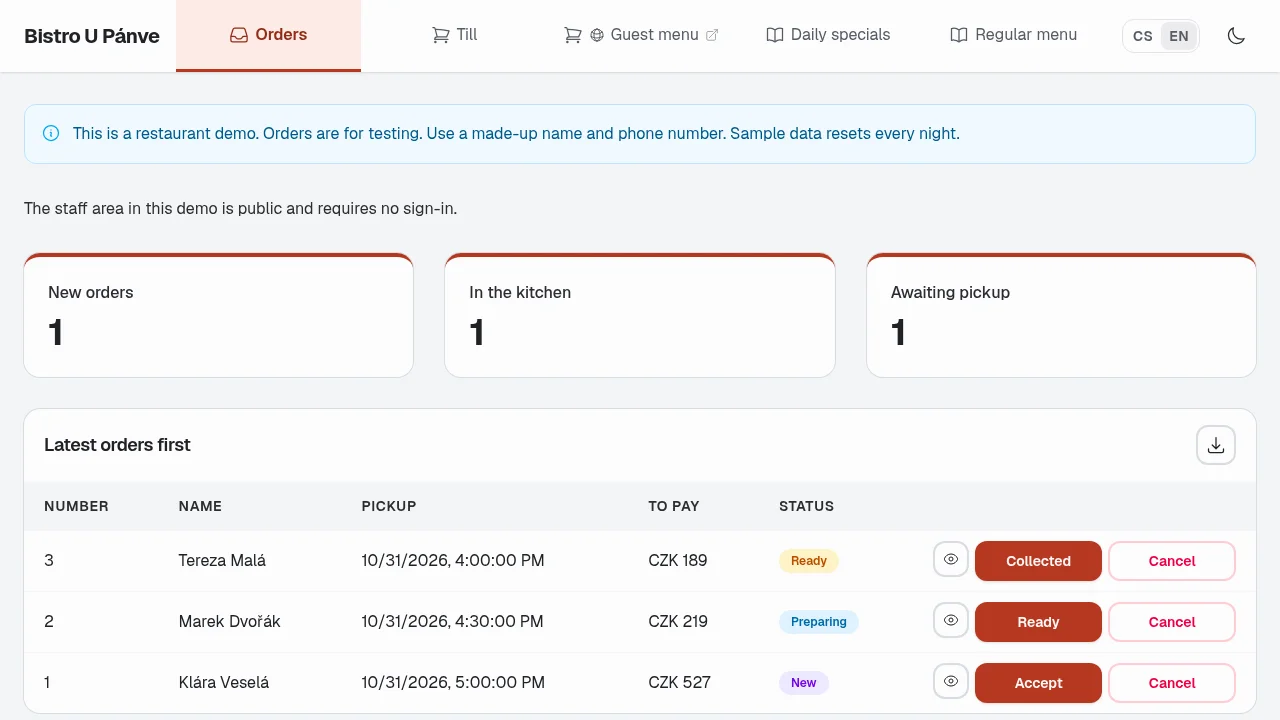
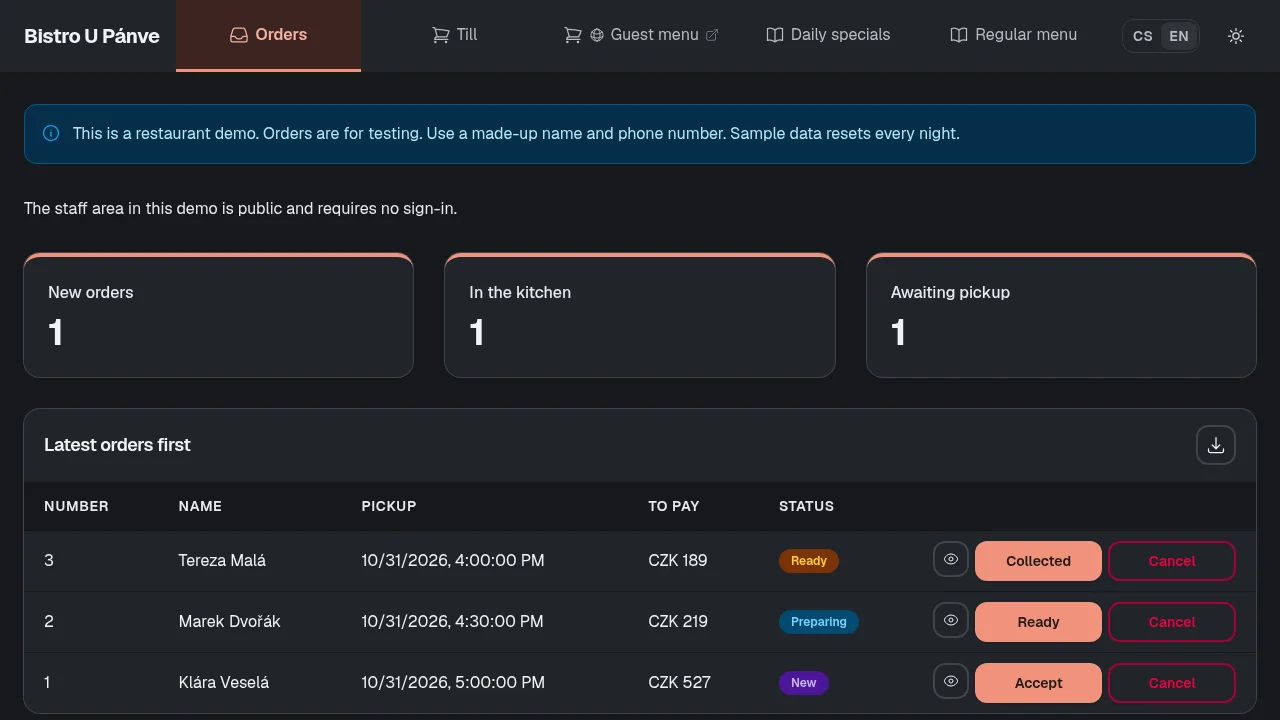
- New orders, preparation and pickup in one view for your staff.
- Till
- Counter sales use the same stock as website orders.
Free essentials. One-time extensions.
No Vibee subscription. No monthly fee per staff member.
Included free
€0
no monthly subscription
- 500 records
- 100 MB for files
- Up to 500 accounts
Your first 3 apps are free. Records include dishes, orders, sales and their line items.
Any AI assistant subscription is paid separately.
Your menu, your way of working
Add dishes, adjust pickup times or give the kitchen and counter staff separate access. Refine the app with your AI assistant.
Unlock features once. Buy capacity and email packs when you need them.
Practical questions
How do you create your own app?
Connect Vibee to your AI assistant. Describe your menu, pickup process and how your staff work. Review and refine the app it prepares.
Prompts for this demo
- Build a website for our bistro: daily specials and a regular menu with photos, prices and available portions. In Czech and English.
- Guests choose their food and pickup time. Show new orders in the admin so I can mark them as preparing, ready and collected.
- Add a till for counter sales. Website orders and the till should use the same stock. Keep QR payment in test mode for now.
What does QR payment do in the demo?
It displays a test QR code. Simulating payment records the sale and reduces stock. The code cannot send a bank payment.
How do we start taking real orders?
Set up your own menu, available portions and pickup times. Protect the admin with sign-in. Use made-up details when trying the public demo.
Can we use our own domain?
Yes. Connecting it is a one-time extension. You buy and renew the domain itself with your registrar.
Compare with Choice and Lovable
Other options
Choice offers ready-made tools for restaurants. Lovable is a tool for building your own app.
ChoiceMonthly plans
Ready-made tools for restaurant websites, online menus and orders. Features depend on the plan.
See the provider’s current price list for the cost of a particular plan.
Choice pricingLovableUsage-based plans
Credits cover building, hosting and AI features. Cost depends on your plan and usage.
Lovable pricingThe Vibee demo covers menus, pickup orders and sales records. Its QR code is a preview and payment is simulated.
Choice and Lovable checked on 31 October 2026. Offers may change.