
Website, enrolments and online lessons for your language school.
Students enrol on your website, practise online, and you see their results. Start free and expand when you need more.
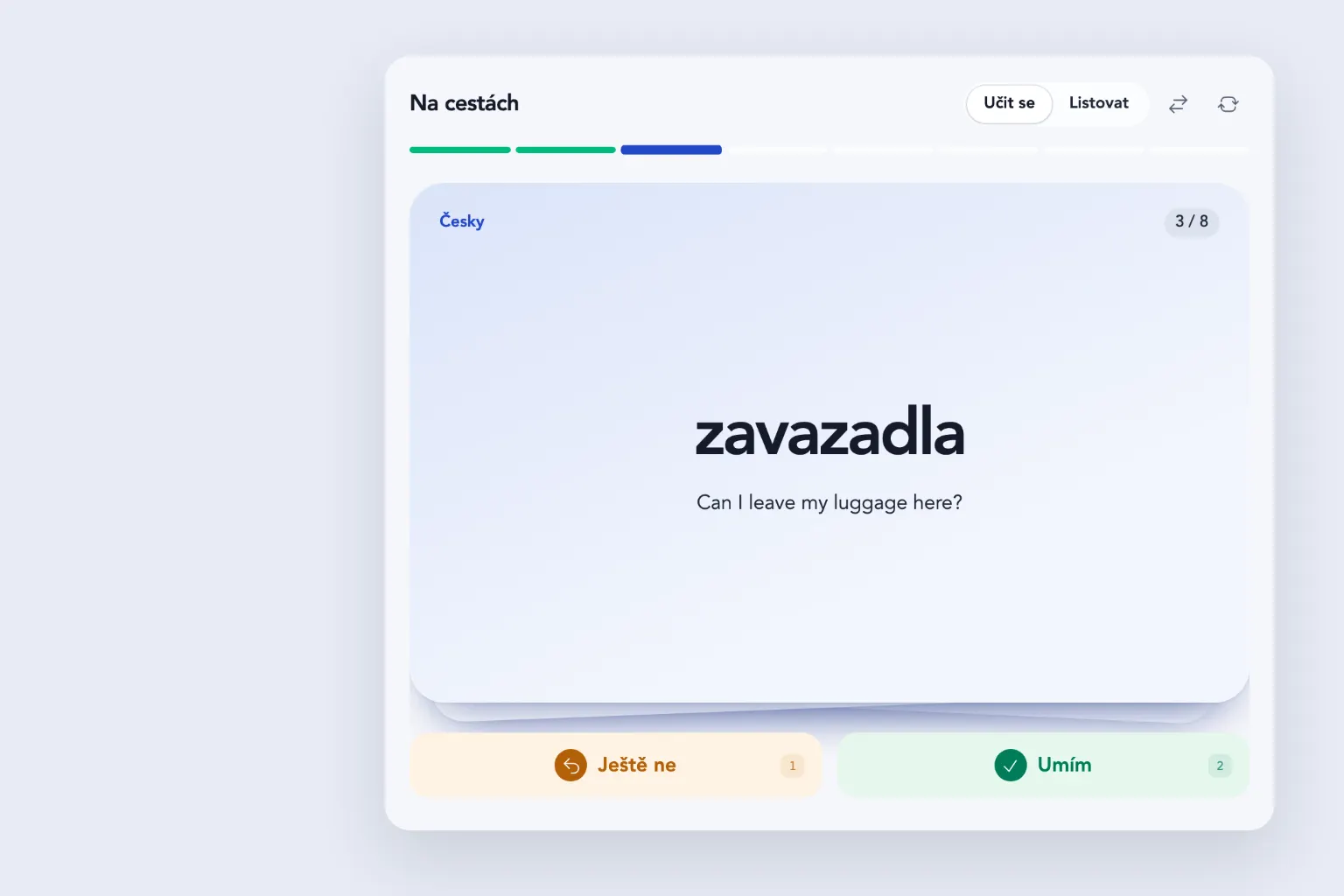
What you can keep track of
- Enrolments
- A student picks a course on your website and the enrolment lands in your admin straight away.
- Courses
- Change the level, time, price and places yourself. The website shows only the courses on offer.
- Online lessons
- Flashcards, matching photos with words, gap fills with the pronunciation played aloud, and a test. Lessons open one after another, and at the end the student downloads a certificate.
- Results
- For every student you see which lesson they passed and with what score.
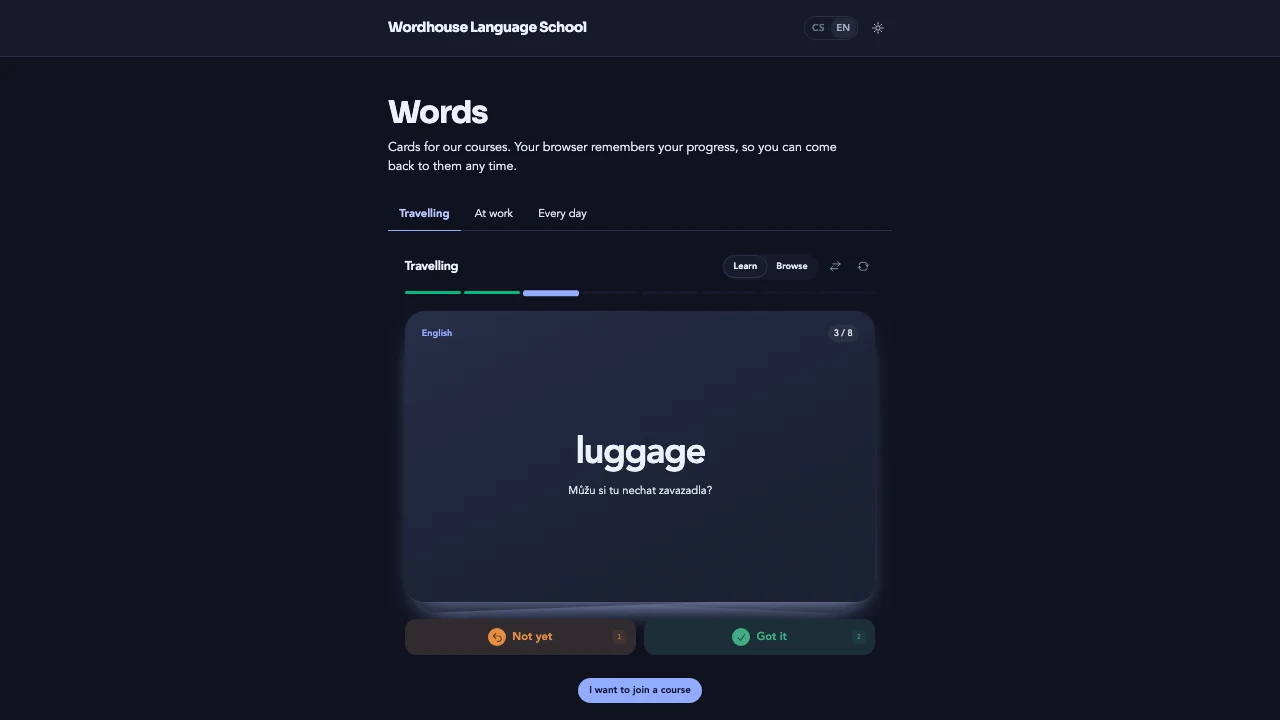

Free essentials. One-time extensions.
No Vibee subscription. No monthly fee per teacher or student.
Included free
€0
no monthly subscription
- 500 records
- 100 MB for files
- Up to 500 accounts
Your first 3 apps are free. Records include courses, enrolments, flashcards and lesson results.
Any AI assistant subscription is paid separately.
Grows with your school
Add another language, a follow-up course with lessons or a new deck of words. Adapt the website, enrolments and lessons to the way you teach.
Unlock features once. Buy capacity and email packs when you need them.
Practical questions
How do you create your own app?
Connect Vibee to your AI assistant. Describe your business, then review and refine the app it prepares.
Prompts for this demo
- Make a website for Wordhouse Language School: courses with the level, the time and the price per term, and an online enrolment form.
- I want to see enrolments in the admin: new, contacted, enrolled. Let me change the courses and which of them are on offer on the website myself.
- Add vocabulary flashcards in decks. A student turns a card and says whether they knew the word. The ones they did not know come back in the same round, the ones they knew the next day and then less and less often. Their browser remembers the progress, and I want to manage the cards in the admin.
- For signed-in students, make a course called Czech: the first week with five lessons: flashcards, matching photos with words, filling in verbs with the pronunciation played aloud, and a final test. The next lesson opens once the student passes the one before. At the end they download a certificate with their name, and I see the results of every student.
How do I try the demo as a student?
Open Student zone in the website footer and choose Try as a student. Try as the school shows the enrolments, courses and student results.
Where is the students’ progress kept?
The app saves lesson and test results to the student’s account, so they have them on their phone and computer, and you see them in the admin. The flashcards on the public website work without signing in, and the browser remembers their progress.
How do we start with real enrolments?
Create your own app with your courses, lessons and flashcards. Protect enrolments and student details with team sign-in. The public demo contains sample data only.
Can we use our own domain?
Yes. Connecting it is a one-time extension. You buy and renew the domain itself with your registrar.
Compare with Webooker and Lovable
Other options
Webooker is ready-made software for course registrations. Lovable is a tool for building your own app.
WebookerCourses and events CZK 750 monthly
Online registration, automatic invoicing and teacher timetables. Excluding VAT.
One-time setup and training: CZK 5,000, excluding VAT.
Webooker pricingLovableUsage-based plans
Credits cover building, hosting and AI features. Cost depends on your plan and usage.
Lovable pricingThese are entry offers. The Vibee demo has no invoicing or online payments.
Webooker checked on 19 October 2026, Lovable on 7 October 2026. Offers may change.